
Spring is finally here, and while you’re tackling your home cleaning checklist, don’t forget about your internet.
Over the winter, your home network collects its own kind of “digital dust.” New devices pile up, routers get tucked away, and old gadgets quietly drain performance.
The good news? A quick 15-minute refresh can have your Empire Fiber connection running like new.
1. Boost Speeds by Clearing Dust
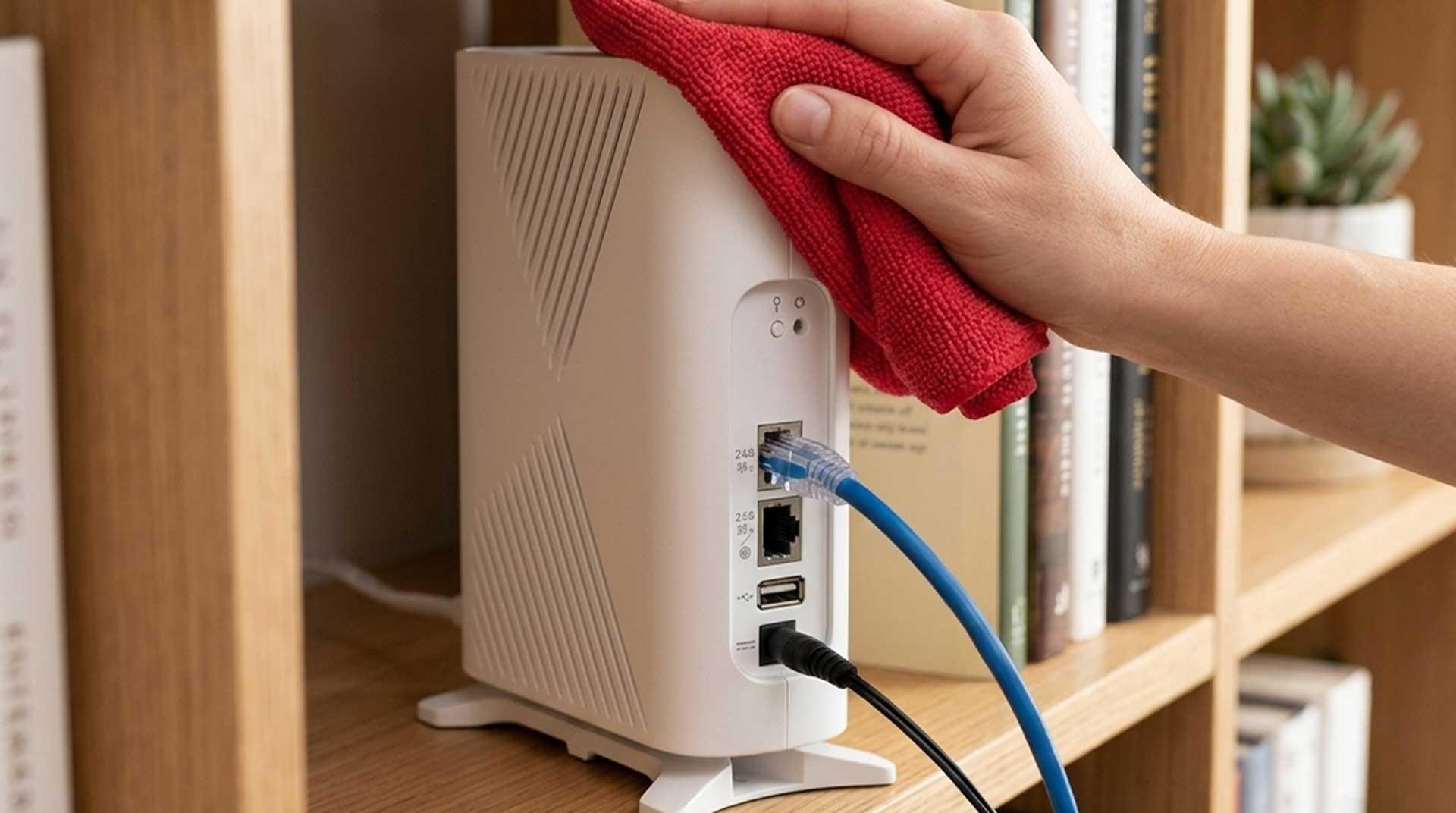
Your router is an important piece of equipment, and like anything else in your home, it needs proper airflow. Dust buildup in the vents can cause it to overheat, which may slow performance.
- The Fix: Use a can of compressed air or a microfiber cloth to clear the vents on your router and ONT [the fiber box].
- The Pro Tip: Make sure your router hasn’t been buried under a pile of mail or tucked inside a closed cabinet. Open air helps it perform at its best.
2. Free Up Speed by Removing Old Devices
Every device connected to your Wi-Fi—even ones you’re not actively using—can impact performance over time. Old phones, smart bulbs you no longer use, and guest devices from months ago create background noise.
- The Fix: Open your Empire Command IQ app and look at the “Connected Devices” list. If you don’t recognize it or haven’t used it in 90 days, “forget” or block the device.
- The Result: Less background traffic and more available speed for streaming, gaming, and working from home.
3. Improve Coverage with Better Placement
During the winter, we often rearrange furniture or add decorations that accidentally block our Wi-Fi signal. While fiber delivers incredible speed to your home, your Wi-Fi still depends on strong signal placement.
- The Fix: Ensure your router is at least five feet off the ground and centrally located. Avoid placing it near large metal objects, brick walls, or behind furniture.
- Why it matters: A well-placed router ensures stronger, more consistent coverage throughout your home.
4. Update and Power Cycle
Routers benefit from occasional updates and restarts to keep everything running smoothly with modern devices.
- The Fix: Check for firmware updates in your settings. Once updated, unplug your router for 30 seconds and plug it back in.
- Why it works: Restarting helps your network reset and operate more efficiently in your environment.
Ready for a fresh start? If you run into any snags while tidying up your tech, our local support team is just a click or call away. Visit our Resource Center for additional How-To tips. Happy cleaning!
The Empire Edge: Remember, even the best “cleaning” can’t overcome an outdated speed plan. If your household has grown or you’ve added more smart home tech since last year, it might be time to upgrade your speed to match your lifestyle.
The “Weekend Win” Checklist: Optimizing Home Internet For Spring
Follow this quick checklist to refresh your network in minutes:
- Wipe dust from router vents
- Remove unused devices from your network
- Move the router to a central, elevated location
- Update the firmware and restart your router